Many factors can result in website traffic dropping, including a Google update, outdated content, a new domain, or poor user experience.
As an SEO writer and consultant, I’m helping clients increase their website traffic daily. I’ve also worked with many clients who have experienced website traffic drops.
In this article, I’ll discuss reasons your website might be losing traffic and how you can improve it. I also have other SEO specialists share their insights, plus a blogger's experience increasing her traffic by 30% after a Google update.
Why is my website traffic dropping? 7 Possible Reasons
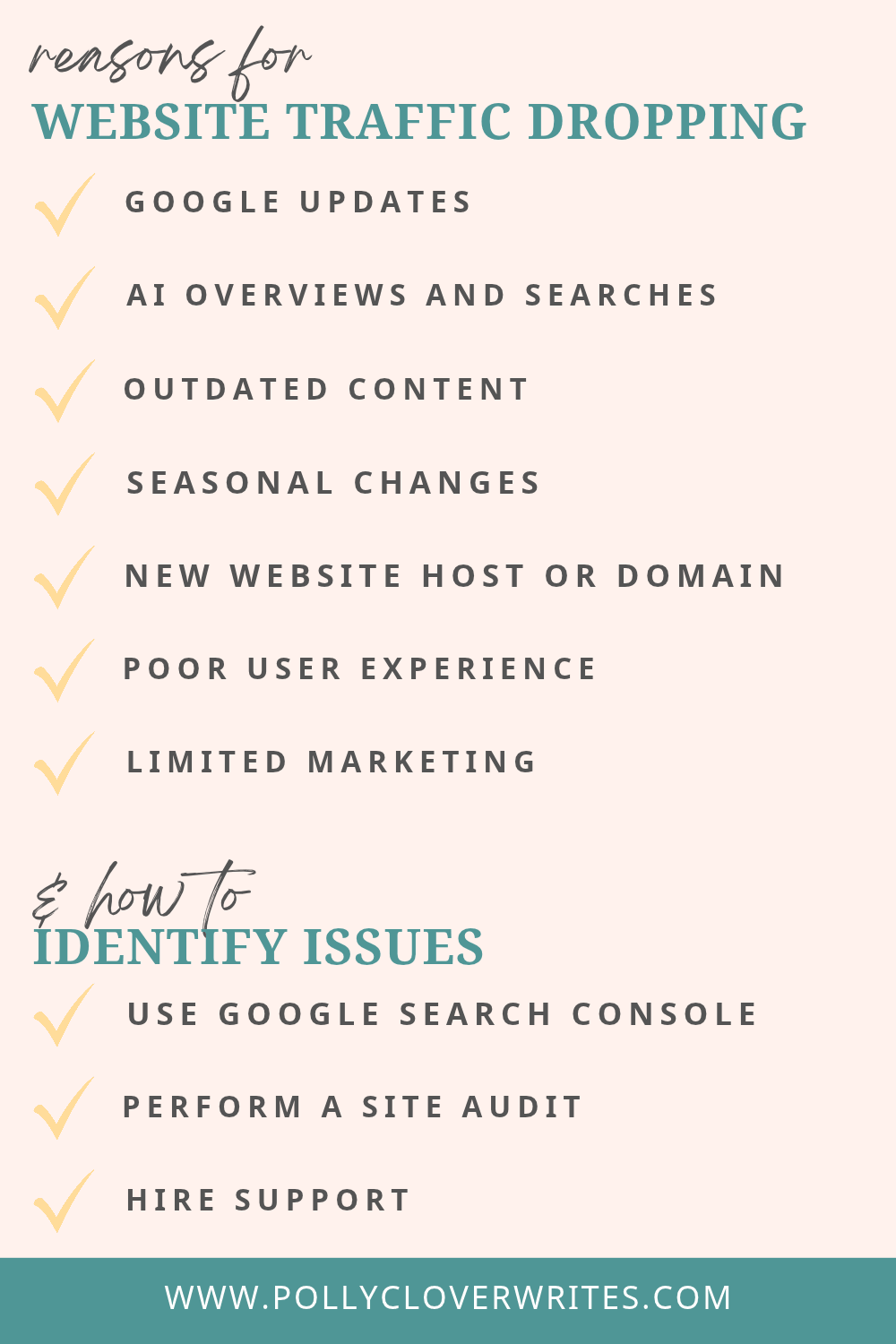
Website traffic can drop for many reasons. Some are out of your control, like Google updates and AI search, while others, like outdated content and limited marketing, are things you can fix.
1. Google updates
Google regularly updates its search algorithms and ranking systems to make sure it's sharing helpful, reliable results. The biggest of these are core updates, which Google announces a few times a year. In 2026 so far, Google has released a March core update and a May core update, along with several spam updates. It also makes smaller core updates on an ongoing basis without announcing them.
Depending on how SEO-friendly your website is, updates may or may not affect your rankings and traffic. A drop after a core update doesn't mean your site has been penalized. Core updates reassess content across the web, so some pages move up while others move down.
If you notice a drop, wait until the update has finished rolling out (usually about two weeks), then give it at least another week before reviewing your data in Google Search Console. Some recovery can happen between updates, but the biggest changes usually come with the next core update.
"I worked with a large e-commerce platform that experienced a significant drop in organic traffic after a core Google algorithm update," says Ludwig Makhyan, a Technical SEO Expert.
Upon conducting a technical SEO audit, Makhyan identified possible issues and helped the site surpass previous traffic with the following improvements:
Higher-quality content that's helpful and well-written, which you can do for landing pages, product descriptions, and blog articles
Faster page speed by compressing images, reducing redirects, removing unnecessary plugins, etc.
Accurate structured data markup by organizing behind-the-scenes information so search engines better understand the site
Optimized website crawl budget to ensure search engines focus attention on indexing the most important pages, which is usually only necessary for large websites
Lesley Stewart, Travel Blogger & Creator of Wander Somewhere, had a similar experience on her website and blog after a Google helpful content update.
"I realized my traffic was starting to drop . . . I spent two weeks furiously updating everything on my site," said Stewart. "By the end of the core update, my traffic had not only steadied but grown by 30%. And it's still steadily growing."
2. AI Overviews and AI search
More people are getting answers directly from Google's AI Overviews and from AI tools like ChatGPT and Claude instead of clicking through to websites.
This means website traffic is inevitably lower than it was a few years ago, and that's okay. The people who are clicking through tend to be stronger leads. They've already gotten the basic answers and are ready to learn more, compare options, or hire someone. Microsoft Clarity found that visitors referred by AI tools convert at about three times the rate of visitors from search and social.
That's why your website is still worth prioritizing, even as search habits change. AI tools pull their answers from websites, so a site with clear, helpful, up-to-date content gives you a better chance of being cited and recommended. I'm seeing this firsthand with my clients, who are getting new leads through both Google and AI tools like ChatGPT.
To help your site show up in both Google and AI results:
Answer questions clearly and early - Give a direct answer near the top of each page. For example, use the hero section on your main pages to share what you do and who you help and your blog introductions to answer the reader's question before going into details.
Share unique information - Include examples, results, and insights only you can offer. This helps your content stand apart and build more trust.
Keep your content updated - Fresh, accurate information is more likely to be trusted and cited via Google and AI.
Track your traffic - Check Google Search Console for Google clicks, and look for referrals from sites like chatgpt.com and perplexity.ai in your analytics to see where traffic is coming from.
3. Outdated content
Blog articles can help you reach more people, but Makhyan explains that it must be updated and aligned with user intent. Optimizing and creating thorough, high-quality content can help improve your rankings and traffic.
Your content should be helpful and include relevant examples, statistics, and expert insights. It should also offer your reader a satisfying experience by thoroughly answering the search query.
When Stewart saw her website traffic dropping after a Helpful Content Update, she updated old blog posts, which helped her exceed her previous traffic. After updating her articles, she resubmitted them to Google Search Console for re-indexing, encouraging Google to crawl and rank the content quicker.
In the video below, you’ll see how you can resubmit articles for indexing or submit any new page on your site:
Request indexing on Google Search Console
4. Seasonal changes
It’s not uncommon for websites to see a drop in traffic in certain seasons, especially if your blog covers seasonal topics, such as gift guides and travel itineraries.
If your website traffic is dropping due to seasonal changes, consider what kind of evergreen content you can create. For example, if gift guides perform well during holiday seasons, target keywords related to birthdays or other topics that get traction year-round. If you're a travel blogger or location-specific website, you could share more evergreen content, like how to budget for your travel.
While there are ways to overcome seasonal changes, it’s also okay to accept that your site performs better during specific times of the year. Other marketing strategies can help balance this out. For example, share your website with your email list and on social media.
5. New website host or domain
“Although changing hosts shouldn’t impact your SEO or traffic, temporary errors could occur, especially if you’re also changing your content management system,” says Alice Rowan, Website Copywriter & SEO Consultant. “However, this shouldn’t be a lasting issue unless you have a huge volume of continuous website traffic.”
On the other hand, Rowan explains that domains are an entirely different issue. “Changing your domain can damage your rankings and traffic if not handled properly. Full domain redirects are essential, plus there’s the challenge of building name recognition under your new domain and usually brand name.”
According to Rowan, it can be tempting to handle these changes yourself. However, working with a technical SEO specialist like Rowan can help ease the transition and minimize outages or site errors. Having someone external to your organization who’s specifically responsible for ticking all the boxes and fixing bugs increases your chance of a successful transition.
6. Poor user experience
Almost 90% of people are unlikely to return to a website if they don’t have a good experience.
You might have high-quality content and offers, but visitors won't want to stick around if your website doesn't offer a good user experience (UX). This can increase your bounce rate or the percentage of visitors who leave your website after viewing one page.
A high bounce rate is a red flag to Google that your site doesn't offer a good UX, which can affect your ranking and traffic.
Every good website offers a satisfying user experience with the following:
Page load time of 3 seconds or less - Check yours on PageSpeed Insights
Straightforward navigation - Include a dropdown menu in your header and call-to-action buttons throughout the site
Helpful design - Use dark font on a light background and an aesthetically pleasing yet simple layout
7. Limited marketing
If your website traffic is dropping, one of the quickest things you can do is start actively marketing it. Many business owners put a lot of effort into promoting their site at first, then slowly rely on Google to do the work. But relying on one traffic source means you’re putting all your eggs in one basket.
Marketing your site in several places gives you a better chance of bringing in more visitors sooner and keeps them coming even when your Google traffic dips. I recommend choosing a few of these strategies and sticking with them consistently:
Email marketing - Send a regular newsletter that links to your latest articles and most helpful pages. Your email list is an audience you own, so it’s not affected by algorithm changes.
Pinterest - Create pins for your blog articles and key pages. Pinterest works more like a search engine than a social platform, so pins can keep sending traffic for months or years.
LinkedIn - Share your articles with a short takeaway or personal insight instead of just posting the link. This works especially well for service-based businesses.
Podcast guesting - Being a podcast guest lets listeners get to know you and builds trust quickly. Most hosts also link your website in the show notes.
Article features – Platforms like Qwoted and Featured connect you with writers looking for expert insights, and most will credit you with a link to your site.
How to Identify Website Traffic Issue(s)
If your website traffic is down, you can identify what’s causing the issue(s) by using Google Search Console, performing a website audit, or hiring support.
Use Google Search Console
Google Search Console is a free platform that tracks your site’s performance and helps you resolve possible issues.
With Google Search Console, you can:
See how many clicks each page on your site gets from Google
Identify which pages are or aren’t indexed and why
Review the page experience for your audience
Receive alerts when Google discovers issues on your site
I check Google Search Console for my own site and clients at least weekly to monitor website performance. This can potentially help you catch issues before they occur instead of waiting for your website traffic to drop.
Perform a Website Audit
Auditing your website can inform you about specific issues your site may be experiencing, such as page speed and SEO elements.
I recommend doing this at least twice yearly before website traffic drops, but it can also be especially important after the fact.
KeySearch is one of my favorite SEO tools, and its audit feature is incredibly user-friendly. It’ll run an audit on your site and tell you what errors it found, giving you actionable steps for improving website traffic.

Use Keysearch to perform a website audit
Hire Support
If you don’t have the knowledge, time, or desire to identify your website traffic issues, you can hire an SEO specialist for support.
While many writers specialize in SEO-friendly content, it's important to hire someone who understands technical SEO to determine issues with your site.
Want help figuring out why your traffic is dropping? Contact me to talk about improving your website's content and SEO.
How to Improve Website Traffic
“My top tip for improving your website traffic is staying on top of your site’s admin,” says Stewart. “Set aside one day per week and make sure you’re doing all the less exciting parts correctly. It’s extra work, but it is definitely worth the time.”
Even if you can’t set aside a full day, create an admin schedule that works for you – whether that’s two hours twice weekly or two days monthly.
Website admin tasks may include the following:
Check Google Search Console - Explore how your site is performing and what pages and queries are or aren’t seeing results. Use this information to guide updates and future content.
Prioritize blogging - Blogs allow you to target and rank for various SEO keywords, which helps you reach more people and increase your website traffic.
Create helpful content - The more content you have, the more opportunities Google and AI tools have to notice and rank your site. A business blog lets you create a database of helpful content your target audience is searching for.
Be patient - It can take time to figure out why your traffic dropped, and even longer to see results once you've made improvements. Updated content and other SEO changes often take weeks or months to show up in your rankings, so keep tracking your progress and give your changes time to work before trying something new.
Why is my website traffic dropping? FAQs
Why is my website losing traffic?
Common reasons include Google updates, AI Overviews answering questions directly in search results, outdated content, seasonal changes, technical issues, or minimal marketing. Check Google Search Console to see which pages dropped and when, which can help you narrow down the cause.
Is it normal for website traffic to go up and down?
Yes, small ups and downs are normal and can be caused by holidays, seasons, or changes in Google results. It's worth looking into when your traffic drops significantly and stays low for several weeks.
Is AI killing website traffic?
AI isn't killing website traffic, but it is changing it. Fewer people click through for quick answers, so many sites see lower traffic than before. However, the visitors who do click through from Google and AI tools are often more ready to buy or book, and AI tools rely on websites for their answers.
How do I make my website get more traffic?
Publish helpful content that answers your audience's questions, keep your existing pages updated, and promote your site through channels like email, Pinterest, and guest features. For more support, consider work with someone who offers website marketing support.
Next Steps for Fixing Your Website Traffic Drop
When your website traffic drops, start by finding the cause. Some reasons, like Google updates, AI search, and seasonal changes, are out of your control. Others, like outdated content, technical issues, and limited marketing, are things you can fix.
From here, check Google Search Console to see which pages dropped, update your most important content, and keep promoting your site in more than one place. Even if your traffic doesn't return to what it once was, a helpful, well-optimized website will keep bringing in the visitors who matter most: the ones ready to work with you.
Not sure where to start or want an extra hand? Contact me for help finding what's holding your site back and creating a plan to bring in more traffic and leads.